ALL Articles
10 Nov 2026
 The Best YouTube Monetization Methods in 2026: 10 Ways to Make Money
There are 10 main ways to make money on YouTube in 2026. Only two, ads and YouTube Premium, need the Partner Program's ad tier. Sponsorships, affiliate links and your own products need no YouTube approval at all.
9 Nov 2026
 YouTube Monetization Policy Updates for 2026: Who They Affect and What to Check
YouTube's monetization policy changed in three ways in 2026. In mid-July, it named the inauthentic videos that can't earn. It opened ads to more topics. And from February 1, 2027, a new Partner Program doubles the bar for new channels.
6 Nov 2026
 Why YouTube Channels Get Demonetized: 10 Reasons and How to Prevent Them in 2026
Demonetized on YouTube means a video or a whole channel stops earning from ads. One video gets a yellow or red dollar icon in YouTube Studio, and the rest of the channel keeps earning. A whole channel drops out of the YouTube Partner Program and loses its ad, YouTube Premium and membership money. Most channels lose it for reused or templated videos, strong swearing in titles and thumbnails, shocking content, strikes, fake views, or six months without uploads.
13 Aug 2026
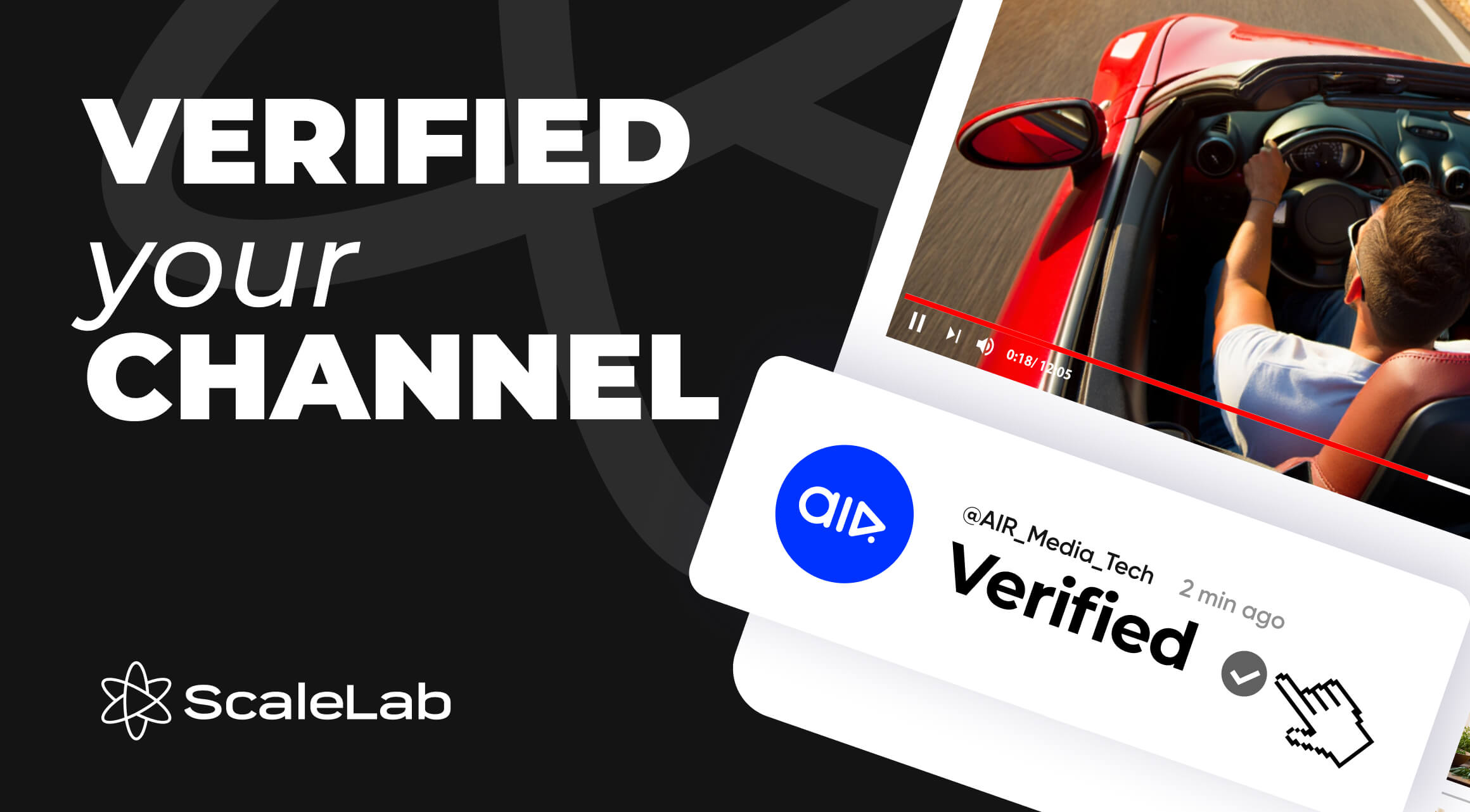 How to Get Verified on YouTube in 2026: Requirements, Process & What It Does
You need 100,000 subscribers, a complete channel profile, and 2-step verification turned on your Google account to apply for the YouTube verification badge in 2026. YouTube then reviews your channel for authenticity — confirming you’re the real creator, brand, or business you claim to be — before granting the gray checkmark. The review takes a few days to a few weeks. The badge doesn’t boost rankings or unlock extra features, but it does build trust with brands, platforms, and viewers, and it makes copycat channels easier to report and remove.
5 Aug 2026
 How to Interact With Your Viewers During a Stream (12 Tips That Work)
The fastest way to hold a live audience is a steady chat rhythm: start talking before the first comment lands, check chat every 3–5 minutes, and weave questions into the stream instead of boxing them into a segment. YouTube’s own live tools help with this directly — Q&A pins one viewer question at a time, Polls turn silence into a fast vote, and the platform now automatically holds back ads when chat activity peaks.
31 Jul 2026
 15 Live Stream Ideas to Attract More Viewers in 2026
These are some of the best live stream ideas for 2026 because they share one thing: built-in stakes. Challenge & reaction streams, viewer-driven games, audience-submission formats & Q&A’s turn a passive viewer into a participant, and that participation is what keeps people watching past the first five minutes.
29 Jul 2026
 How to Make YouTube Shorts Go Viral in 2026: 41 Proven Tips
Going viral on YouTube Shorts in 2026 comes down to three things: a hook that lands in the first two seconds, a completion rate high enough to trigger wider distribution, and a posting rhythm the algorithm can predict. We've gathered over 40 tactics that make those three things work, all in this piece.
24 Jul 2026
 How to Collaborate With YouTube Creators: Strategies That Work in 2026
Effective YouTube collaboration in 2026 comes down to four things: find a partner whose audience overlaps with yours (not just one that shares your niche label), agree on credit, content rights, and posting schedule before you film, use YouTube's official Collaboration feature to formally tag co-creators for shared credit and cross-audience distribution, and treat a well-placed micro-collab as a legitimate growth move rather than a placeholder for a "real" one later.
24 Jul 2026
 How to Create Multiple YouTube Channels With One Email (2026 Guide)
A single Google Account can host up to 100 YouTube channels, all under the same Google account, through a feature called Brand Accounts. You don't need a separate email or password for each one: you create additional channels from your existing account, then switch between them from your profile menu. Each channel keeps its own subscribers, videos, and (for eligible channels) monetization status — nothing about them is shared except the login.
20 Apr 2026
 How to Improve Average Watch Time on YouTube in 2026
We have monitored thousands of channels and analyzed mountains of watch time data. In this guide, we will break down the exact strategies we use to increase watch time on YouTube, boost average view duration (AVD), and maximize your YouTube session duration in 2026.